
By: Dr Sohel Rana
Digital hygiene isn’t about giving up your phone; it’s about “cleaning up” your habits so your phone serves you, not the other way around.
🌅 Morning & Night Protocol
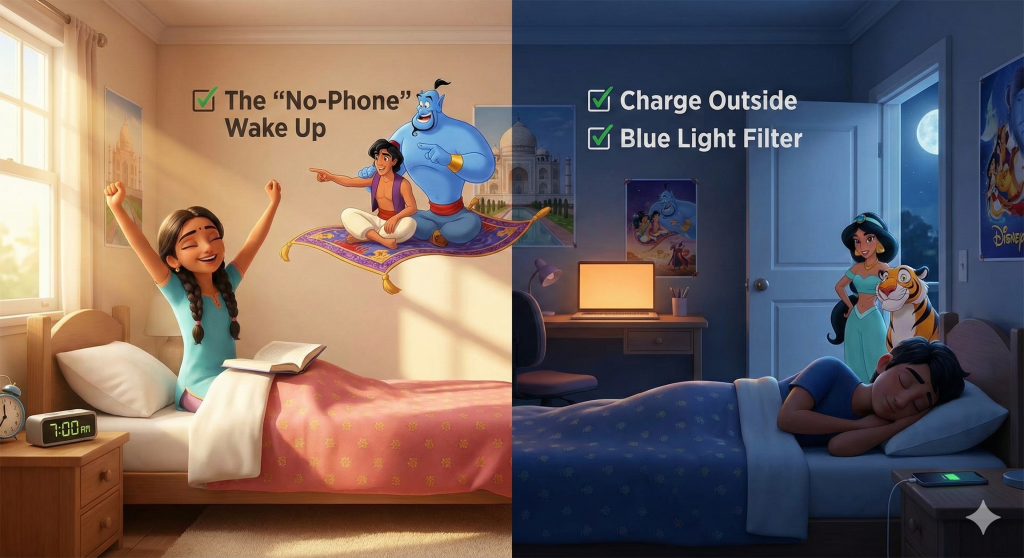
- [ ] The “No-Phone” Wake Up: Do not check your phone for the first 20 minutes after waking up. Let your brain wake up naturally before flooding it with notifications.
- [ ] Charge Outside the Bedroom: Keep your charger in the hallway or across the room. This prevents late-night doom-scrolling and makes you physically get out of bed to turn off your alarm.
- [ ] Blue Light Filter: Ensure “Night Shift” or “Eye Comfort Shield” turns on automatically at sunset to protect your sleep cycle.
📚 Deep Work & Study Mode
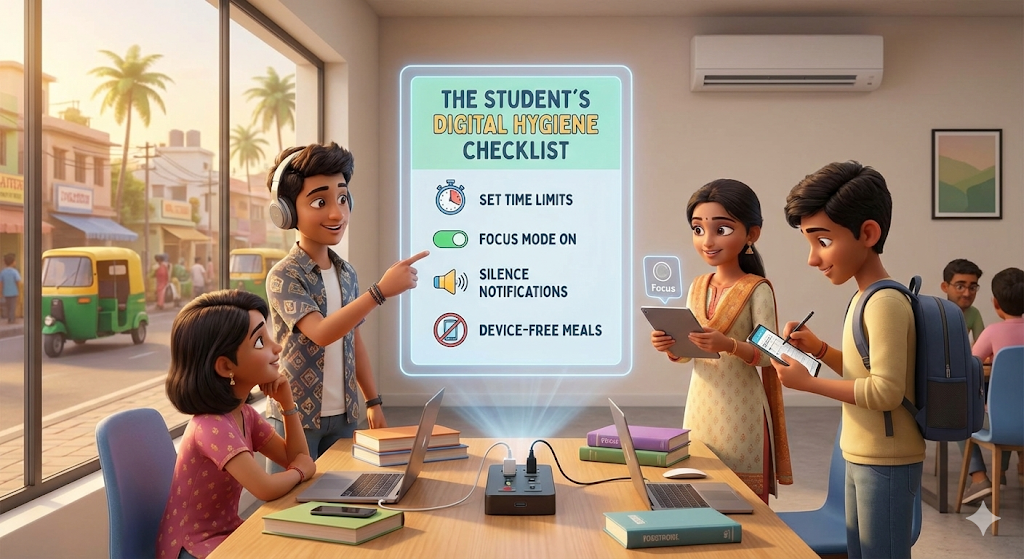
- [ ] The “Airlock” Technique: When doing serious homework, put the phone in a different room or a drawer. (Out of sight = out of mind).
- [ ] Turn on “Do Not Disturb”: Activate DND mode so calls and texts don’t vibrate or light up the screen.
- [ ] The One-Tab Rule: If using your phone for research, close all other unrelated apps (Instagram, Games) so you aren’t tempted to switch tasks.

⚙️ App & Notification Cleanup
- [ ] Turn Off “Non-Human” Notifications: Keep notifications on for people (texts, WhatsApp), but turn them off for apps (YouTube, Games, News). You don’t need a robot telling you to check the app.
- [ ] Clean Your Home Screen: Move addictive apps (social media, games) to the second or third page inside a folder. Keep utility apps (Calculator, Calendar, Notes) on the front page.
- [ ] Unsubscribe & Unfollow: Once a month, unfollow accounts that make you feel bad about yourself or waste your time without teaching you anything.

🤝 Social & Mental Health
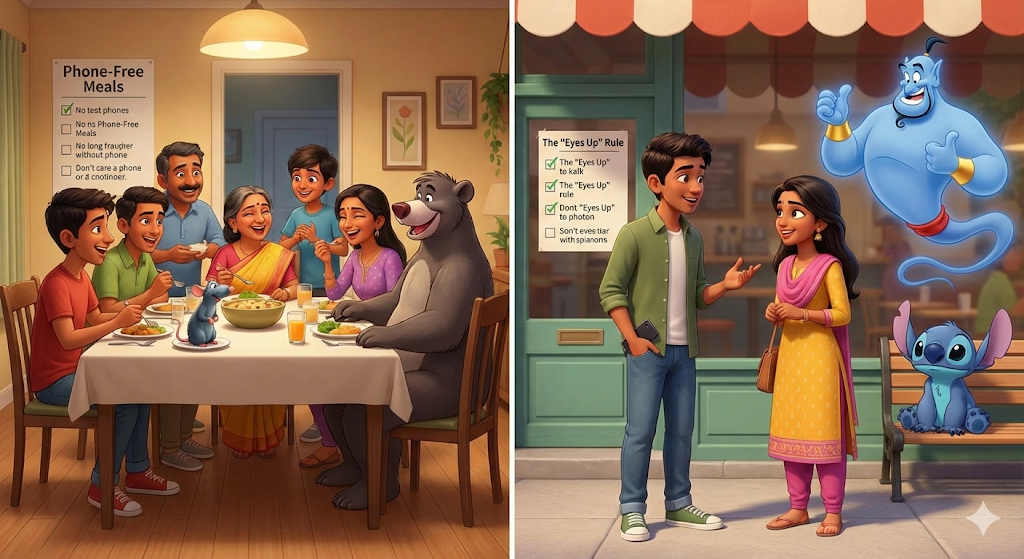
- [ ] Phone-Free Meals: Commit to keeping the phone off the table while eating (breakfast, lunch, or dinner).
- [ ] The “Eyes Up” Rule: When talking to someone face-to-face, the phone stays in the pocket.
🏆 The 7-Day Challenge
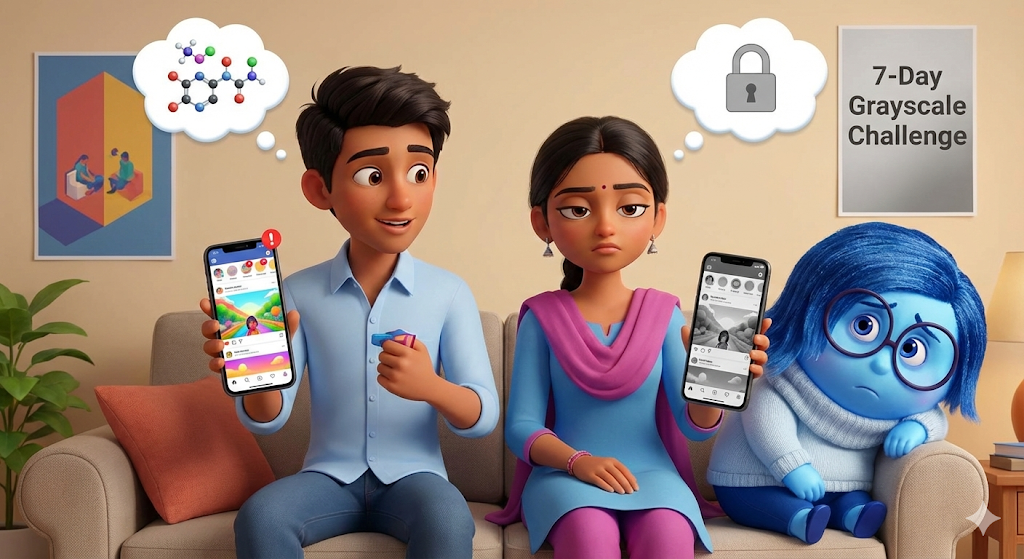
If you want to test your discipline, try the “Grayscale Challenge” for one week.
How to do it: Go to your phone settings (usually under Accessibility > Display) and turn the screen to Grayscale (Black and White).
Why: Apps are designed with bright colors to trigger dopamine in your brain. When your screen is black and white, Instagram and TikTok become boring, and your screen time will drop naturally.


 The Life Navigator